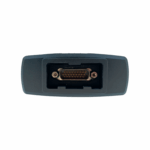
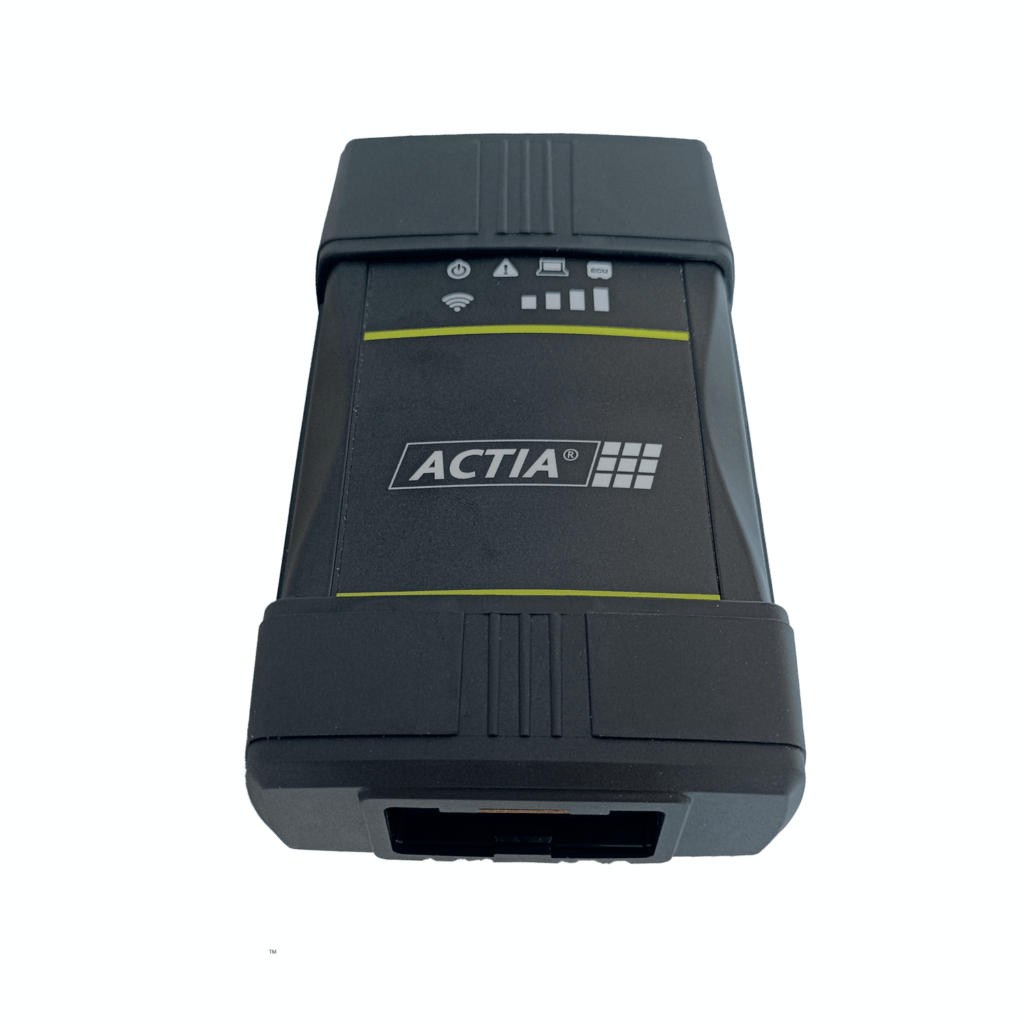
Actia ACI3 VCI (Replacement for XS 2G)
The Actia ACI3 VCI is the latest-generation Vehicle Communication Interface (VCI) designed for professional vehicle diagnostics, programming, and pass-thru applications. The Actia ACI3 enables fast and reliable communication between diagnostic software and vehicle ECUs using industry-standard protocols, making it an essential tool for workshops requiring OEM-level diagnostics.
The Actia ACI3 VCI is designed to replace multiple manufacturer-specific diagnostic interfaces, providing a single, high-performance solution for diagnostics, coding, flashing, and software updates. Built to OEM standards, the Actia ACI3 is compact, robust, and suitable for daily use in demanding workshop environments.
The interface features a rugged automotive-grade housing and is powered directly from the vehicle, ensuring reliability in real-world workshop conditions. Advanced internal electronics, including a high-speed FPGA core and internal multiplexer, deliver stable performance across both legacy and next-generation vehicle platforms.
The Actia ACI3 VCI supports DoIP, J2534-1/2, RP1210C, and D-PDU (ISO 22900-2) APIs, ensuring compatibility with a wide range of OEM and aftermarket diagnostic software platforms. Designed for workshops and technical centres, the Actia ACI3 also offers wireless connectivity, eco design, and rugged construction for use in harsh environments.
The Actia ACI3 VCI is the direct replacement for the Actia Passthru+ XS 2G, which is no longer manufactured. This provides improved performance, broader protocol support, and long-term compatibility with current and future diagnostic requirements.
Actia ACI3 VCI Key Features
-
Universal Compatibility: Works with most OEM and Pass-Thru applications including J2534, RP1210C, and D-PDU
-
Vehicle Coverage: Supports leading brands including PSA, BMW, Mercedes-Benz, Porsche, GM/Opel, and more
-
Wireless Connectivity: Dual-band Wi-Fi (2.4/5 GHz) and Bluetooth 4.2 for seamless communication
-
High-Speed Processing: Powered by an ARM Cortex A9 CPU with FPGA core for fast and stable ECU communication
-
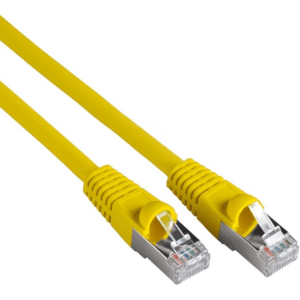
DoIP Support: Ethernet-based diagnostics for new-generation vehicles (ISO 13400)
-
Rugged Design: Built with ABS-PC housing for reliability in workshop environments
-
User Interface: Features 9 status LEDs, ceramic buzzer, and hidden reset button
-
Eco Design: Energy-efficient operation with low power consumption (6W typical)
-
Built-in Web Interface: Enables live diagnostics, configuration, and firmware updates
Actia ACI3 VCI Compatibility & Use Cases
The Actia ACI3 VCI diagnostic interface is suitable for workshops and specialists requiring:
-
OEM-level diagnostics and programming
-
ECU coding and software flashing
-
Pass-thru diagnostics across multiple vehicle brands
-
Support for both legacy and modern vehicle communication protocols
In addition to broad OEM compatibility, the Actia ACI3 VCI has been validated for use with Triumph Motorcycles’ TDT dealer software, confirming its capability beyond passenger and commercial vehicle applications.
The ACI3 has also been tested with PSA DiagBox software, where it performs reliably across all functions, including full module programming. This makes it a proven solution for PSA group diagnostics and programming workflows.
With its wide protocol support and multi-brand compatibility, the Actia ACI3 serves as a future-proof replacement for the Actia XS 2G, offering a single interface solution for modern diagnostic environments.
Setting Up Connection Hardware
Follow the steps below to connect the ACTIA ACI 3 VCI to your PC and vehicle:
-
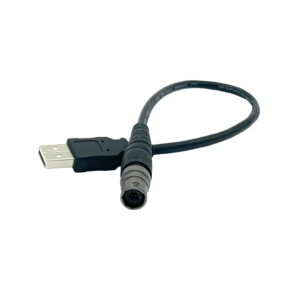
Connect the USB cable from the ACI 3 VCI to an available USB port on your PC.
-
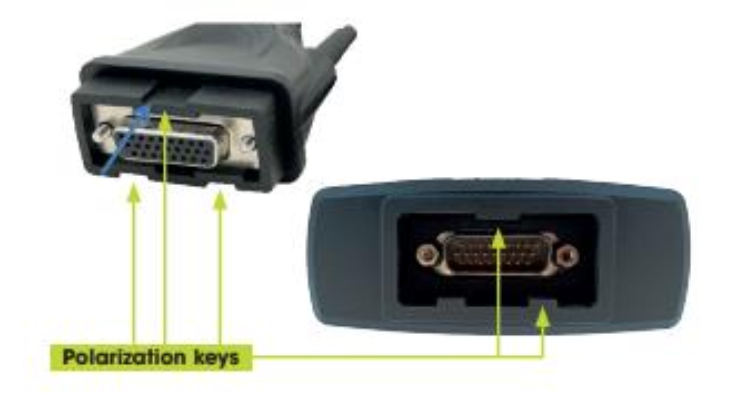
Connect the main vehicle diagnostic cable to the ACI 3 VCI.
-
Connect the other end of the diagnostic cable to the vehicle’s OBD diagnostic connector.
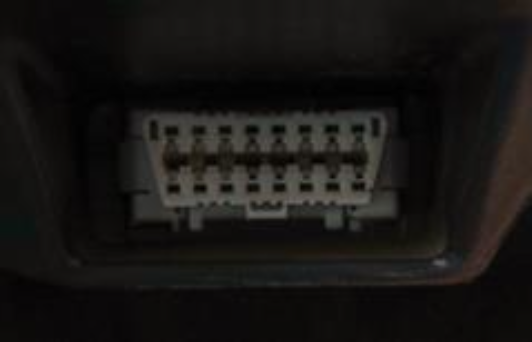
The ACI 3 is powered directly from the vehicle, so no external power supply is required.